Treasures for gold
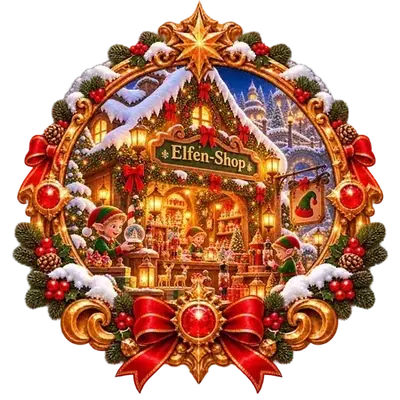
Elf Shop
Packs, supplies, avatars, frames, stickers, chat bubbles and furniture – the Elf Shop on the Village Square has something for every adventurer. Everything is paid with gold you earn in the game.
The busiest counter in the village
The Elf Shop is where you turn your gold into useful things and pretty extras. Some items help you in other places – food and straw for your reindeer, valuable packs for your adventure. Others make your profile, your chats and your Forest Cottage more personal.
The shop works only with gold from the game. Before every purchase you see the price and how much gold you will have left.
No real money
The Elf Shop uses in-game gold only. There are currently no purchases with real money.
Useful things for your adventure
Switch between the shop areas with the tabs at the bottom.
01Packs
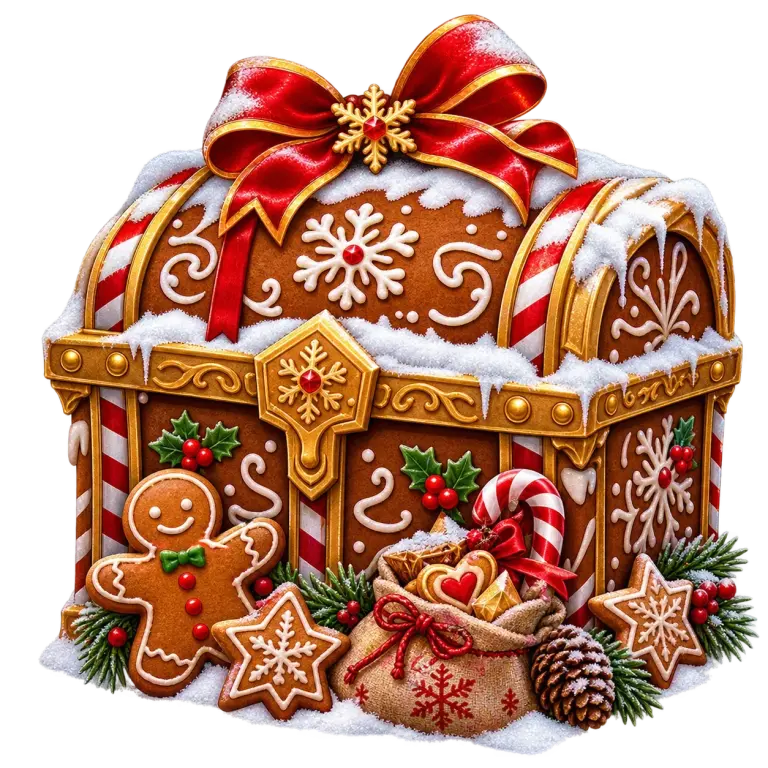
Packs combine several useful things for your winter adventure. Some packs are limited per player.
 02
Supplies
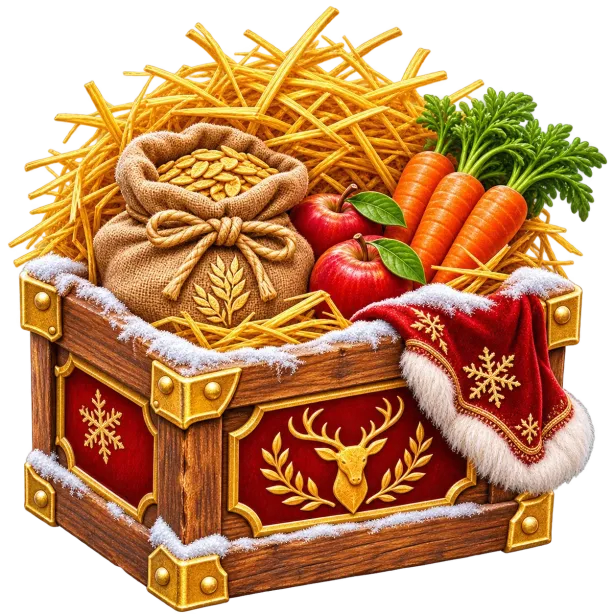
Fodder and straw for your reindeer in the Reindeer Stable – in handy crates.
 03
Avatars & frames
New pictures and frames for your profile. Some only arrive with events.
Shopping, step by step
Buying in the Elf Shop takes only a few taps.
- 01
Open the Elf Shop
Tap the Elf Shop on the Village Square.
- 02
Choose an area
Use the tabs at the bottom to find packs, supplies, avatars, frames, stickers, bubbles or furniture.
- 03
Look closer
Tap an item to see what it contains and what it costs.
- 04
Check your gold
The shop shows how much gold you will have left after the purchase.
- 05
Buy
Confirm with “Buy for …”. The item goes straight to your inventory or your collection.
- 06
Use it
Equip avatars and frames right away, or place furniture in your Forest Cottage.
Before you buy
A few rules make shopping easier.
Limited packs
Some packs can only be bought a few times per player. The shop shows when they are sold out.
Owned items
Avatars, frames and sticker sets you already have are marked as owned.
Equip now
After buying an avatar or frame you can equip it immediately.
Not enough gold
If you are short of gold, the shop tells you before anything is charged.
Extras for chats and your cottage
Three more areas make your Santa’s Worlds your own.
Sticker sets
Colourful stickers to send in chat and in your letters.
Chat bubbles
Magical designs that frame your chat messages.
Cottage furniture
Extra furniture that you can place in any room of your cottage – and every piece adds cosiness.
Make your profile shine
The look of your profile is made of several pieces.
Avatar
The picture that represents you everywhere in the game.
Frame
A golden frame around your avatar.
Stickers
Small pictures for your messages.
Chat bubble
The design of your messages in chat.
Your collection grows
Many shop items stay in your collection for good.
Inventory
Packs, supplies and furniture go into your inventory.
Avatars & frames
Every new avatar and frame is added to your collection.
Event items
Some items only appear during events – don’t miss them.
Your cottage
Shop furniture makes your Forest Cottage cosier.
Elf Shop questions
Quick answers to common questions.
Can I pay with real money?
No. The Elf Shop currently uses in-game gold only.
Why is a pack sold out?
Some packs are limited per player. Once you have reached the limit, they show as sold out.
Where do my purchases go?
Into your inventory or your collection. Avatars and frames can be equipped right away.
Where can I place shop furniture?
In any room of your Forest Cottage.
How do I get more gold?
Gold comes from almost every place in the village – shifts, trails, tours and daily rewards.
Why can’t I buy an item?
You do not have enough gold yet, or the item is sold out.
SantaWorlds · Player help · Amounts and times can change with game updates