

Play together at the North Pole
Guilds
Find a guild on your North Pole server or start one with friends. Explore the shared castle courtyard, send elves and nutcrackers on tasks, upgrade buildings and compete for the weekly guild trophy.
One guild, one shared courtyard
A guild is a group of players on the same North Pole server. Each member brings their own elves and nutcrackers. The guild shares its buildings, construction materials and progress.
Open Guild in the game menu. Once you are a member, tap the buildings in the courtyard to open their functions. The bottom bar takes you to the courtyard, board, members and tasks. Open More for the guild shop, guild chat, Guild Festival and other guild areas.
How to get into a guild
 01
Join a guild
Search by name or tag. You can join an open guild on your server immediately if it has space. If it accepts applications, write a short note and wait for a decision. The guild lobby lists your pending applications.
 02
Accept an invitation
Invitations from guilds on your server appear in the guild lobby. You can accept or decline them there. You can belong to one guild at a time.
 03
Found your own guild
Choose a name, a tag and a crest. Add a description and motto if you like. Set recruitment to open, by application or closed. The game shows the gold cost before you confirm. As founder, you become guild leader.
Complete a guild task from start to finish
The Elf Workshop offers production orders. The Nutcracker Barracks offers patrols and other assignments. Both are also accessible from Tasks.
- 01
Pick an assignment
Open the workshop or barracks and check the daily list. Read which type of unit the assignment needs, how long it takes and what it can earn.
- 02
Choose your team
Select available elves or nutcrackers from your own collection. Match their strengths to the task and check the team preview before starting.
- 03
Let the team work
Start the task and wait for its timer to finish. Units on an active guild assignment cannot be sent on another guild task or expedition at the same time.
- 04
Return and claim the reward
Collect the finished task in the task view. Depending on the assignment, you contribute materials and renown to the guild and earn guild coins for your own shop purchases.
- 05
Check the community goal
Claimed tasks contribute towards the guild’s weekly goal. Reaching it grants the guild bonus materials. Members who contributed can also claim a personal coin reward.
Build up your courtyard
Open the Northern Light Tree to see available upgrades and the active project. The guild shares its wood, frost crystals and star sparks.
Choose a project
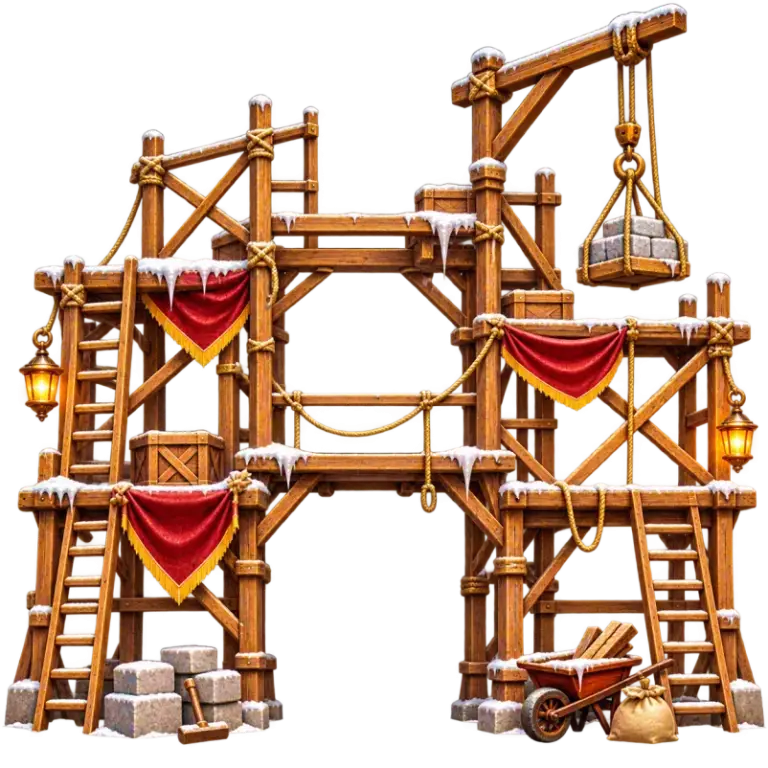
A member with construction permission chooses the next stage of the castle, workshop, barracks or tree. There can be one active construction project at a time.
Gather the materials
Complete tasks and expeditions to add materials to the guild store. The project shows the resources required and tracks contributions during collection.
Start construction
Once you have enough materials, a member with construction permission starts the build. The required materials are spent when the timer starts. The building reaches its next stage when construction finishes.
Unlock better upgrades
The castle unlocks higher stages for the other buildings and has guild-level requirements of its own. Upgrading the workshop or barracks adds more and better tasks. The tree increases the renown earned from tasks.
Eight buildings and what they do
Tap the matching building in the courtyard. Upgraded buildings change their appearance as they grow.
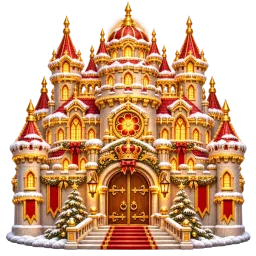
Guild Castle
See the guild profile and members, check ranks or open administration if you have permission. Upgrading the castle makes higher stages of the workshop, barracks and tree available.
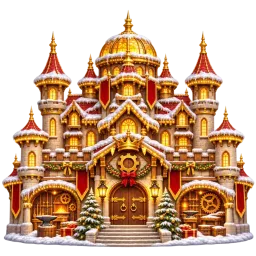
Elf Workshop
Send your elves on daily production orders. A larger workshop makes more assignments available.
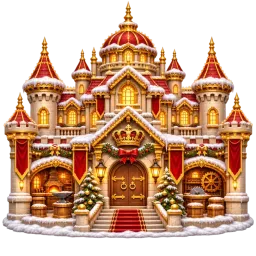
Nutcracker Barracks
Send nutcrackers on daily tasks. For the weekly frost attack, use the Frost Defense area to station your guard.

Northern Light Tree
Open the upgrades screen, check your shared materials and follow the current building project. Each tree stage above the first adds a bonus to task renown.
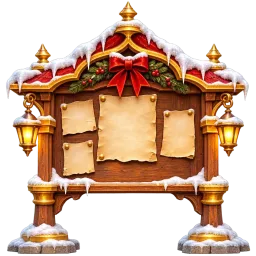
Notice Board
Read announcements, discuss ideas, coordinate projects and vote in polls. Comment or react to posts. Posting and moderation options depend on your permissions.
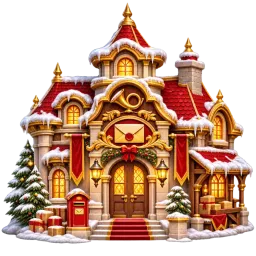
Guild Post Office
Check guild letters and reports. Members with the right permissions can send invitations or review applications. Frost defense results also appear in the reports.
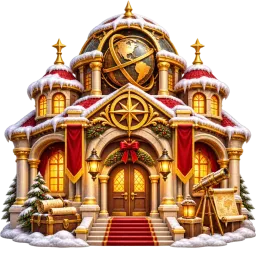
Expedition Hall
Choose a destination, assemble a team of elves and nutcrackers, and follow the sleigh until it returns. Completed journeys are listed in the expedition history.
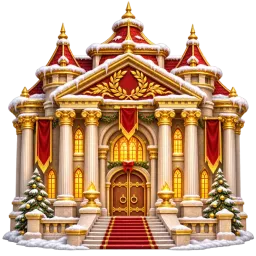
Hall of Fame
Check your size class and weekly ranking, see past winners and browse your guild trophies and recent milestones.
Send a sleigh and prepare for the frost army
An expedition sends a joint team away for a timed journey. Frost defense protects the courtyard during the weekly attack.
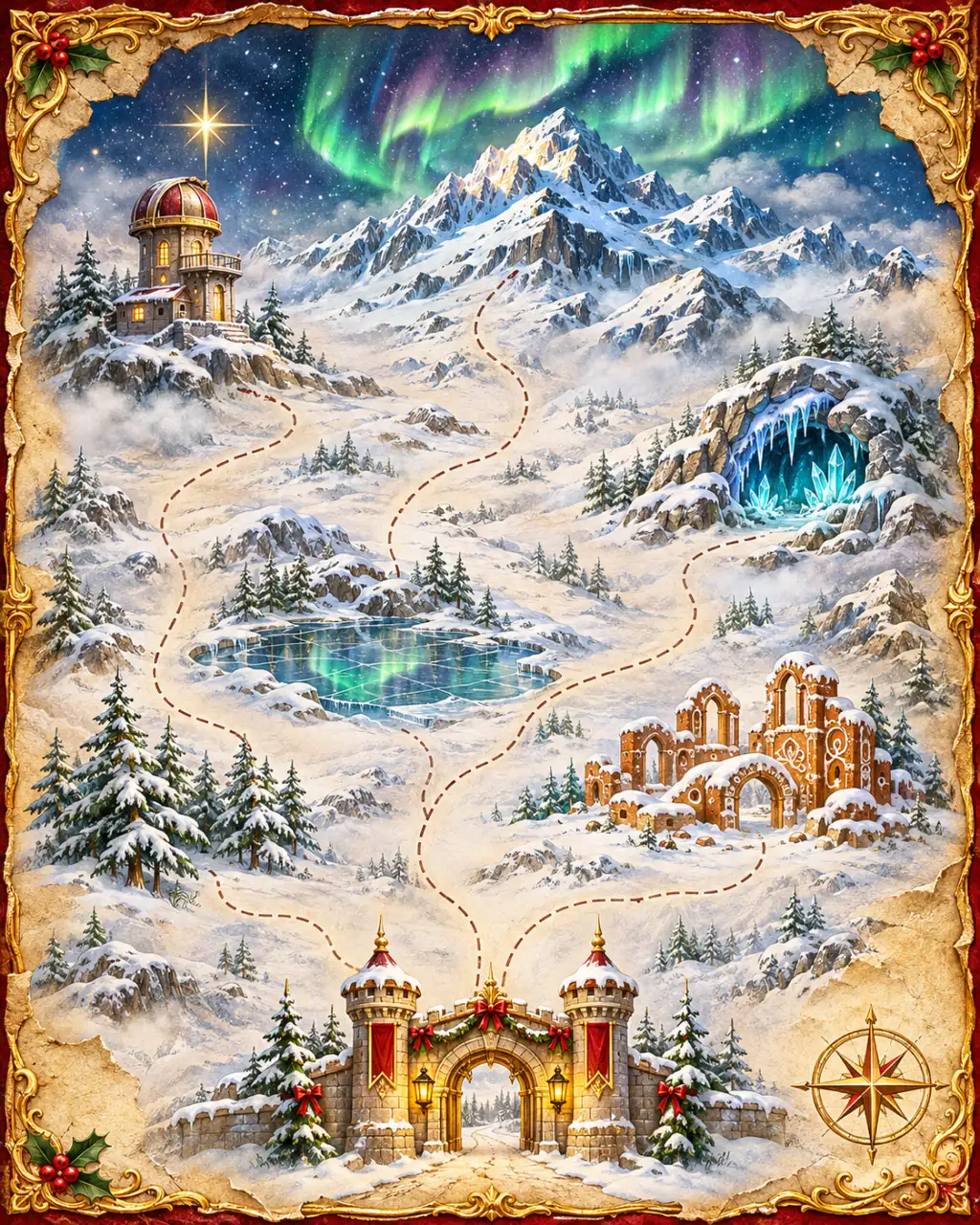
Plan the route
A member with expedition permission opens the Expedition Hall and picks a destination. The destination shows the required guild level, minimum number of elves and nutcrackers, and the available seats.
Fill the sleigh together
Members contribute their own available units during the gathering phase. A stronger team improves the chances shown in the preview. A member with permission launches the expedition once the minimum team is ready.
Follow the journey
Use the timer to see when the sleigh returns. The result can be a triumph, a success or an early return. The guild receives the expedition rewards automatically. Eligible participants still in the guild receive their personal share.
Station your frost guard
Open Frost Defense and check the attack countdown and your guild’s defense. Station your own available nutcrackers and save your selection before the attack. The castle walls and upgraded barracks support your guard.
Read the defense report
If you drive back the frost army, the guild earns renown and materials. Holding the walls earns a smaller reward. If the army breaks through, it can freeze part of the shared wood and frost supply. Read the result in the guild post office.
Guild levels, ranks, coins and the weekly cup

Guild level and building stages
Renown from tasks, expeditions and defense helps the guild level up to 20. Guild levels make room for more members and more guild officers and unlock shop offers. Building stages are tracked separately and go up to five.
Ranks and permissions
The ranks are Guild Leader, Deputy, Officer and Member. Regular members contribute to tasks, expeditions and defense. Recruitment, moderation, construction and expedition management depend on the rights set for each rank.
Personal coins and shared materials
Guild coins belong to your character and are spent in the Guild Shop. Some offers require a higher guild level or have a weekly limit. Wood, frost crystals and star sparks go into the shared guild store and pay for construction.
Weekly Guild Championship
The Hall of Fame compares guilds within their size class on the same server. Weekly renown comes from claimed tasks, completed expeditions and defense rewards. The top three scoring guilds in each class earn trophies and construction materials.
Guild Festival and special events
Open More → Guild Festival to see whether a festival is active. During its catching game, collect falling prizes and avoid frost. Seasonal events such as Banner War have their own dates and rules. In Banner War you send elves against rival guild banners when the event is running.
When something is locked or missing
Why can’t I join the guild I found?
Check whether you are on the same North Pole server and whether the guild has space. Some guilds take applications, while closed guilds are not open to direct joins. Existing membership must be ended before joining another guild.
How do I switch guilds?
Leave your current guild before applying elsewhere. If you lead a guild with other members, transfer leadership first. Leaving cancels your active guild assignments.
Can I donate gold to support my guild?
To support the guild, complete tasks with elves and nutcrackers. Gold is used to found a guild when the game shows a founding fee.
Why can’t I select a unit for an assignment?
Check whether you own and have unlocked the unit, whether it is the right type, and whether it is already assigned to a guild task or expedition.
Why is an upgrade still locked?
Check the castle stage, the required guild level, the shared materials and whether another project is active. Only members with construction permission can select or start an upgrade.
Why is the launch button unavailable?
Confirm that the gathering phase is still open and that the team has enough elves and nutcrackers for the destination. Launching requires expedition permission.
Do I have to be online for the frost attack?
The game resolves the attack at the scheduled time. Save your guard before the countdown ends and read the result in the guild post office afterwards.